01 / Bring your music
No server required.
Point at a music folder. Or connect Navidrome and bring local and server music together in one library.
Your music. Local files, Navidrome, or both.
Turn your touchscreen PC into a jukebox. Browse your music, let guests queue songs, and keep the room playing.
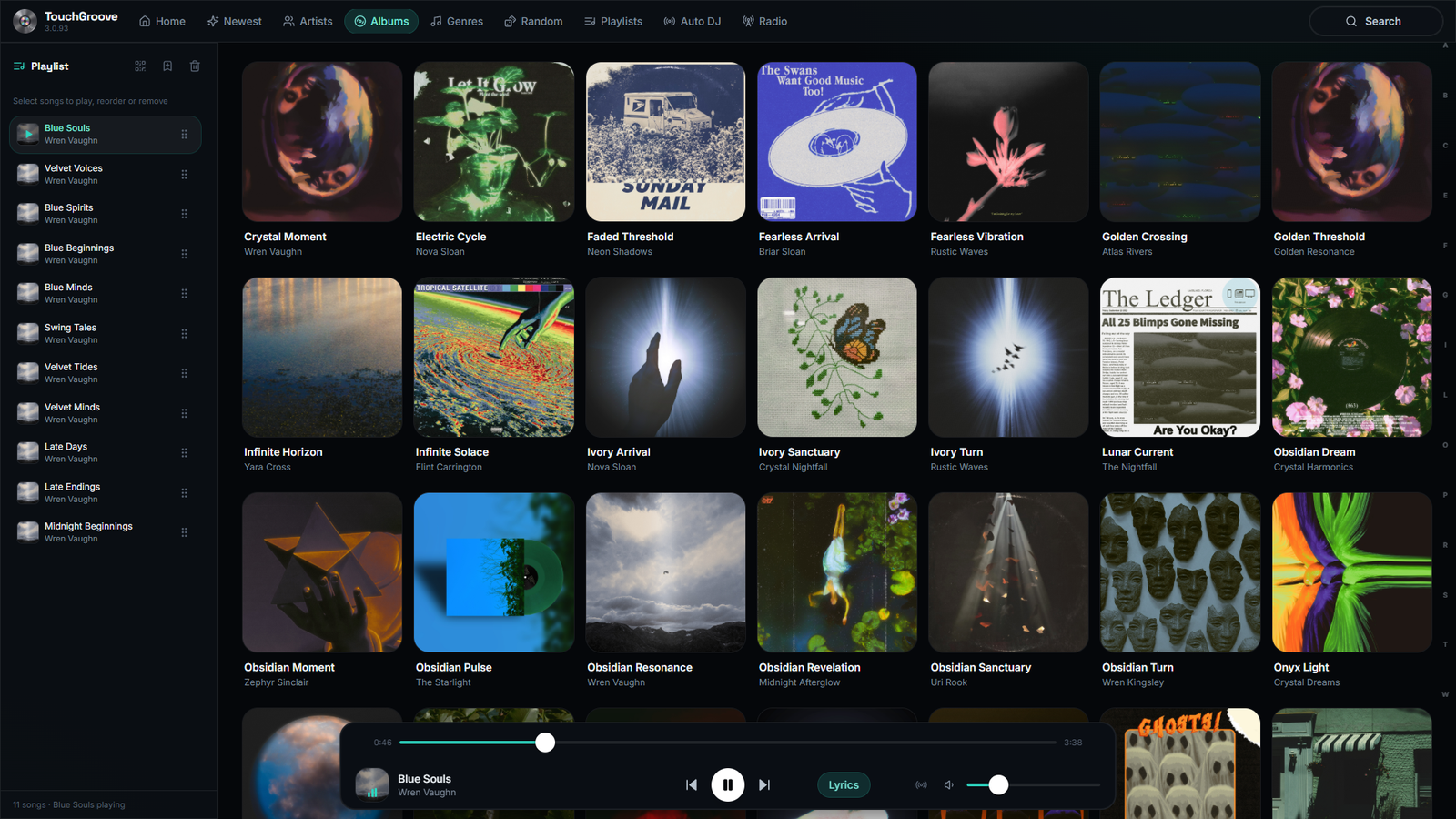
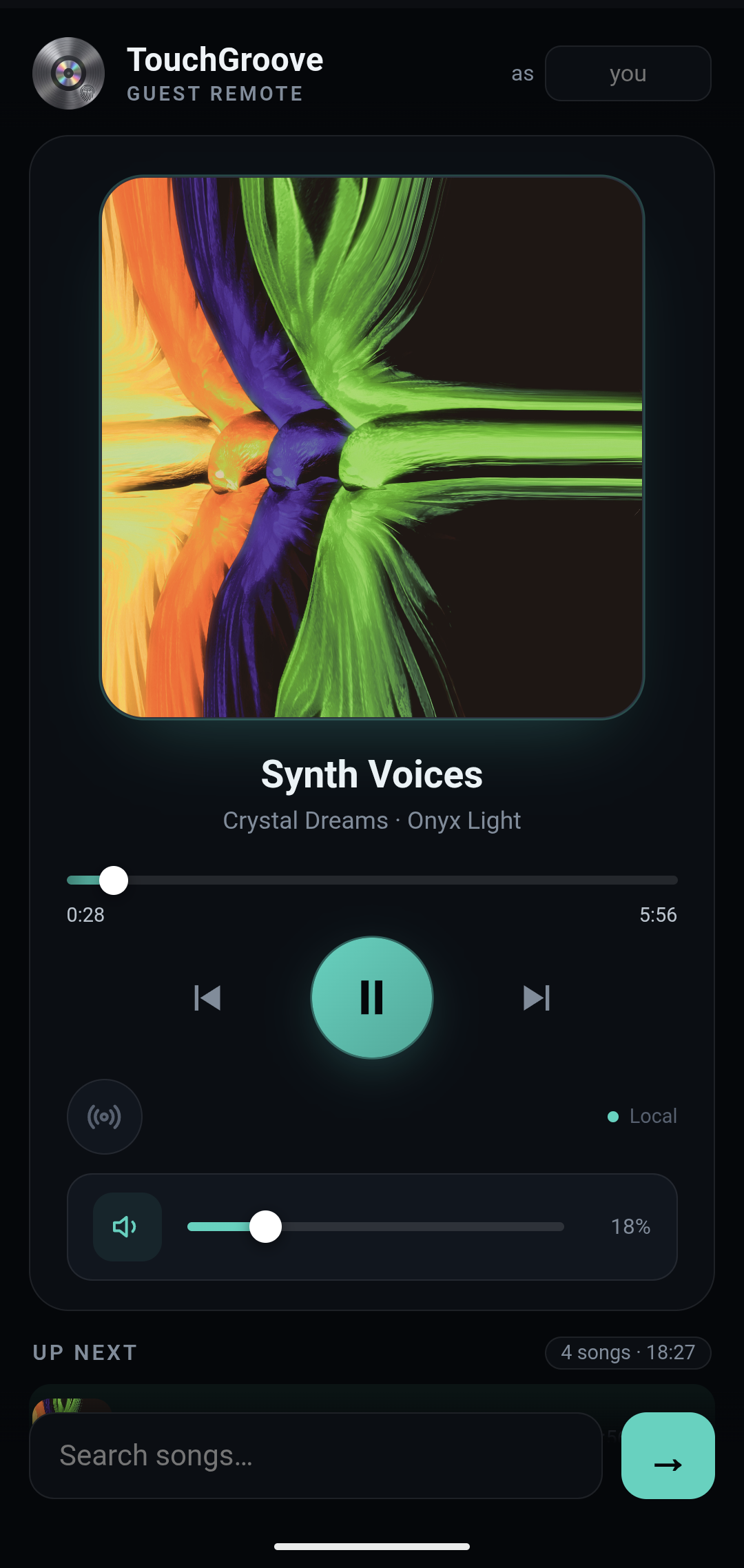
Your library on the big screen. Your guests in control of the next song.
Everyone gets a turn
Scan the QR code and join the queue. No app to install, no account to create. Just the music everyone came for.
More than a music player
Album artwork, synced lyrics and a visualizer that moves with the music.
Made to be part of the room, not just another window on your PC.
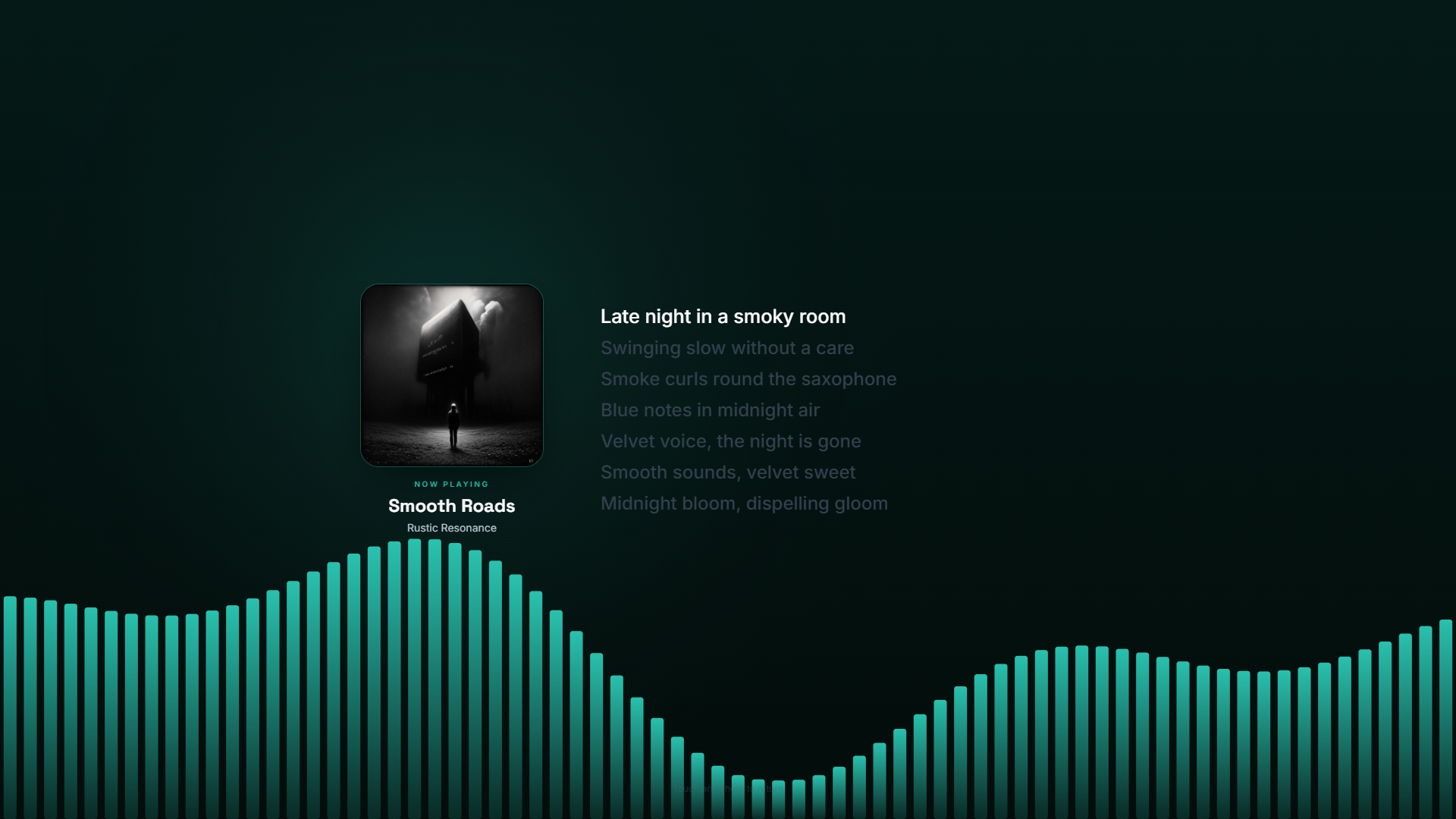
Ambient visualizer
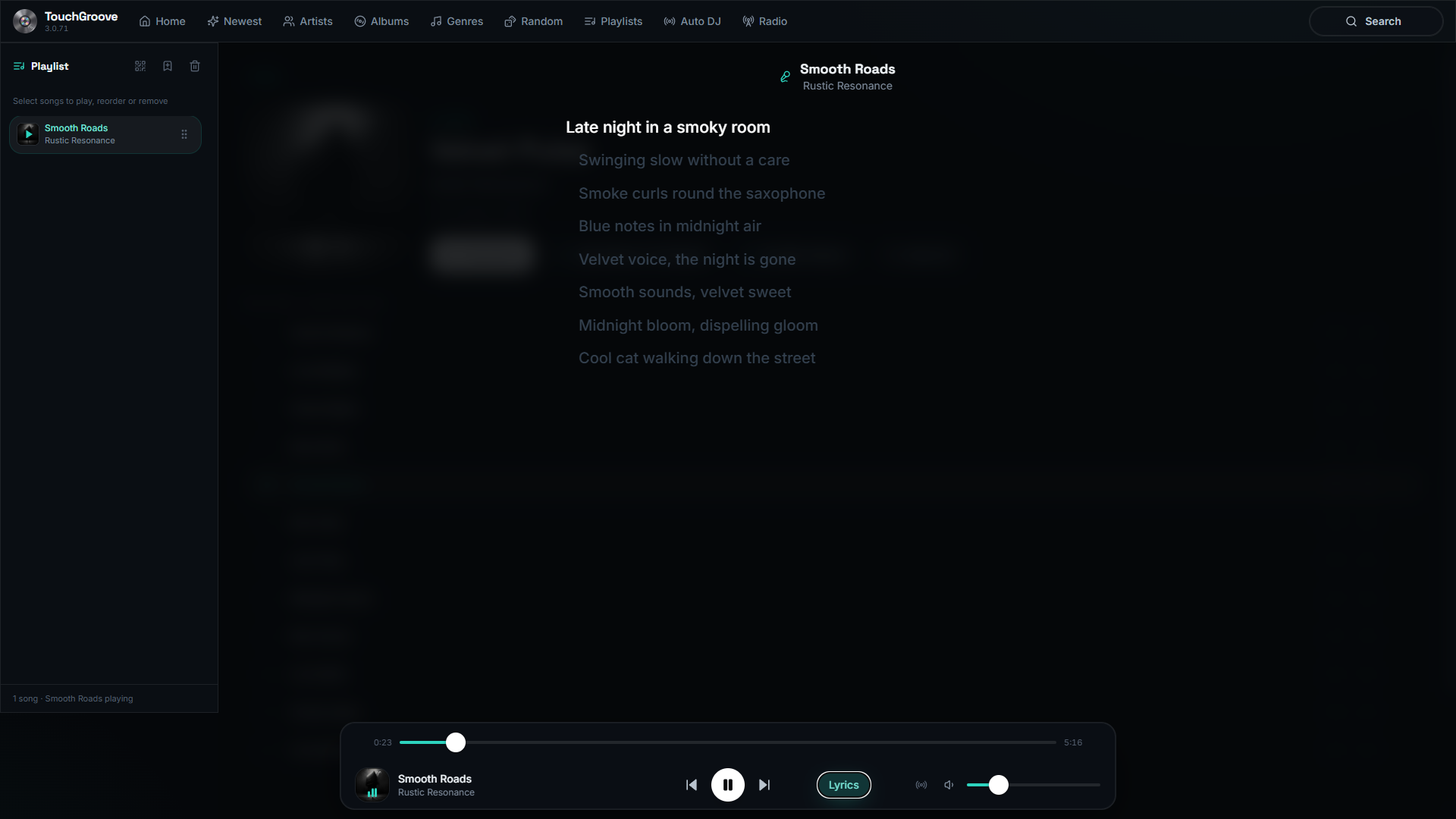
Synced lyrics
Simple where it matters
01 / Bring your music
Point at a music folder. Or connect Navidrome and bring local and server music together in one library.
02 / Keep it playing
Choose your songs, albums and artists for Auto DJ, or switch to internet radio when you want something different.
03 / Make it yours
Choose your accent colour and the features you want. Keep it simple or turn everything on. Built for touch, with mouse and keyboard support too.
Compatibility
TouchGroove handles however you keep your music, and most jukebox apps can’t say that.
Your music, your way
Works with any Subsonic / OpenSubsonic server, or no server at all
TouchGroove plays your music however you keep it. Point it at a folder with Local Library mode (no server required), and if you later run Navidrome or any Subsonic-compatible server, everything merges into one view.
How it works
One installer for Windows or Linux. Runs on any touchscreen PC, kiosk or spare laptop.
Pick a music folder, connect a Navidrome/Subsonic server, or both. Your library appears instantly.
Album art, synced lyrics, Auto DJ and a guest queue. Ready for the first round.
Pricing
No subscriptions, no tiers, no pro upsells. One license, every feature, lifetime updates.
TouchGroove, lifetime license
Payments handled securely by Paddle. Applicable tax is added at checkout. License delivered by email.
FAQ
Jukebox software turns a touchscreen PC or tablet into a jukebox for your own music: browse the library, tap to play, and let guests queue songs from their phones. See the jukebox software buyer’s guide for what to look for and how the options compare.
Install it now, point it at your music, crank up the volume!